Work through a structured QA/QC checklist covering model health, standards, information completeness, and documentation — attach evidence photos, and export a PDF report.
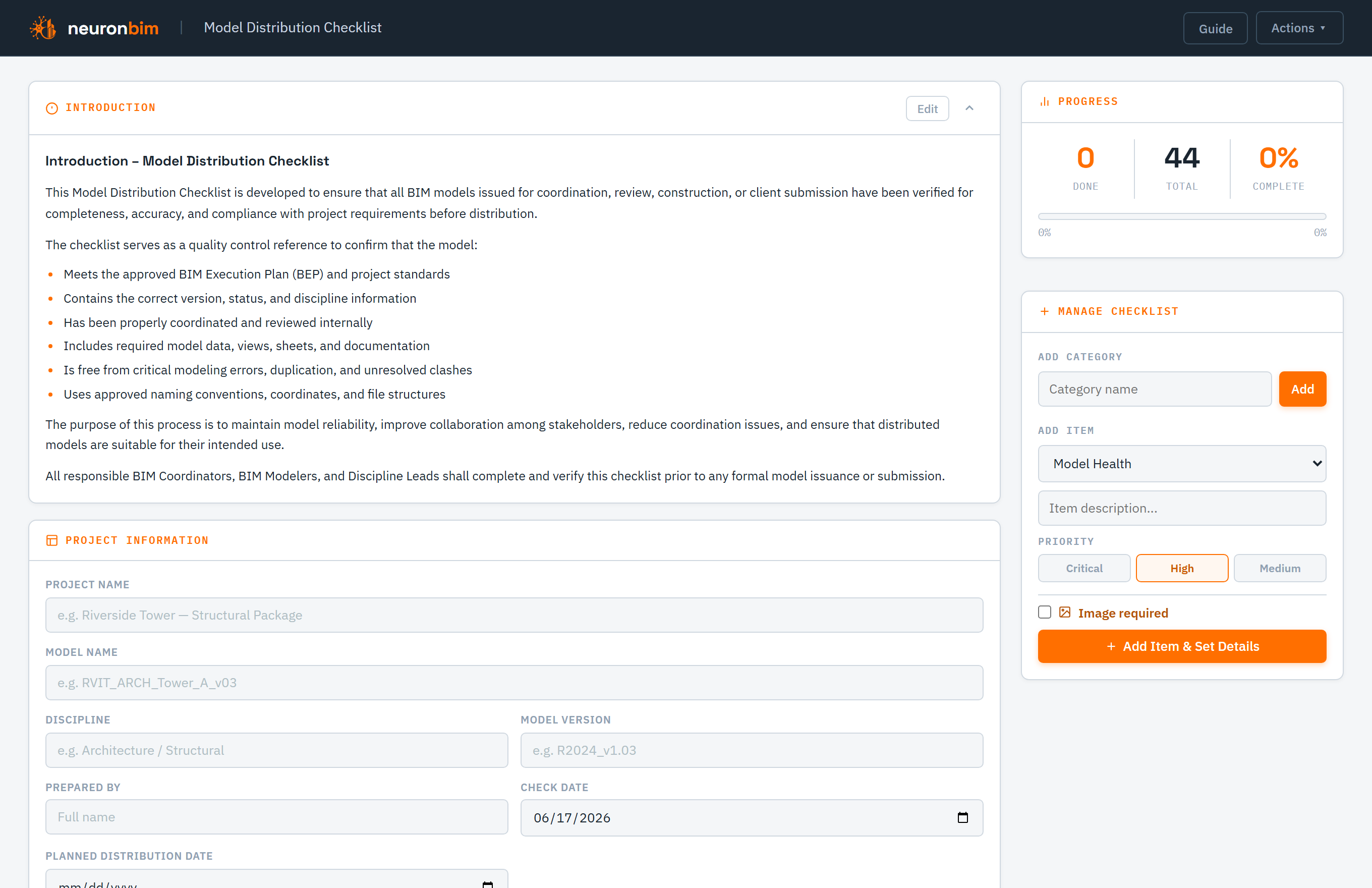
Models go out the door with avoidable issues when there's no consistent check. The Model Distribution Checklist gives you a repeatable QA/QC pass to run before issuing a model for coordination, construction, or client submission.
It runs in your browser, with per-item status and evidence photos attached right to the items. Sign in to save a checklist and reopen it for the next revision.
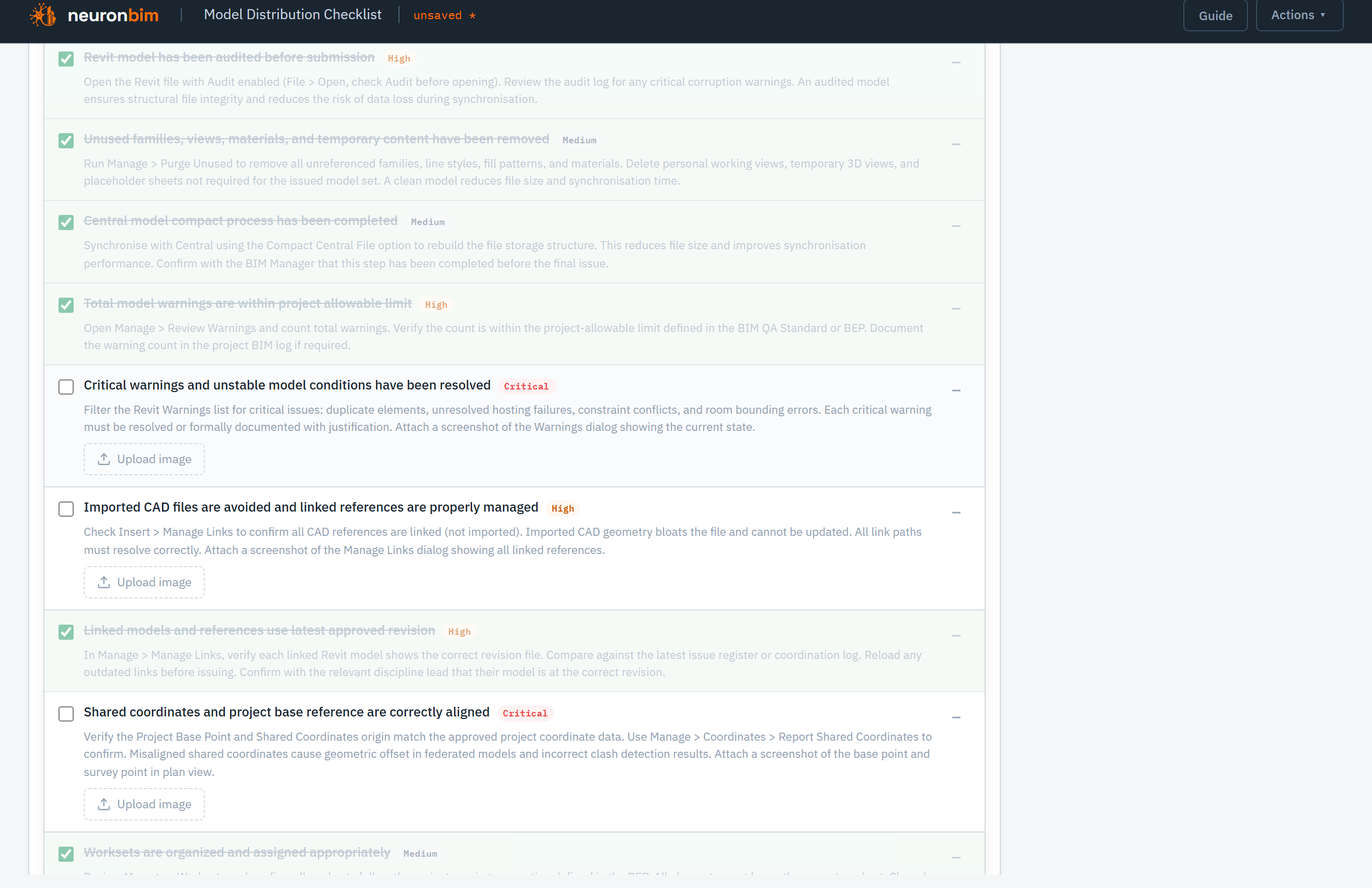
Run the checklist covering model health, standards compliance, information completeness, and documentation. Set each item's status as you verify it, so the remaining gaps are obvious at a glance.
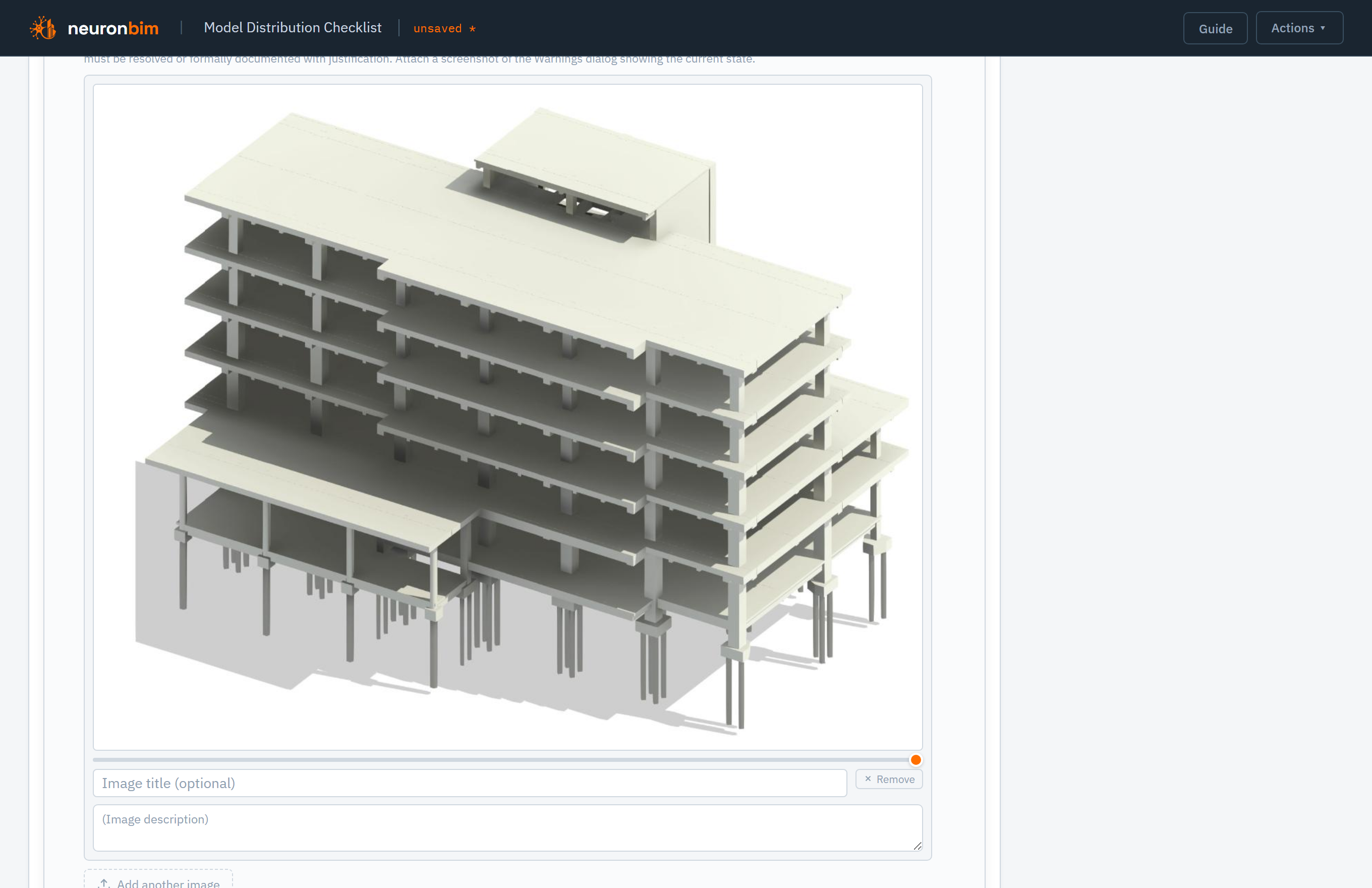
Back up an item with a screenshot or photo — proof of a clean model, a resolved warning, or a compliant view — so the finished report stands on its own when it reaches the next team.
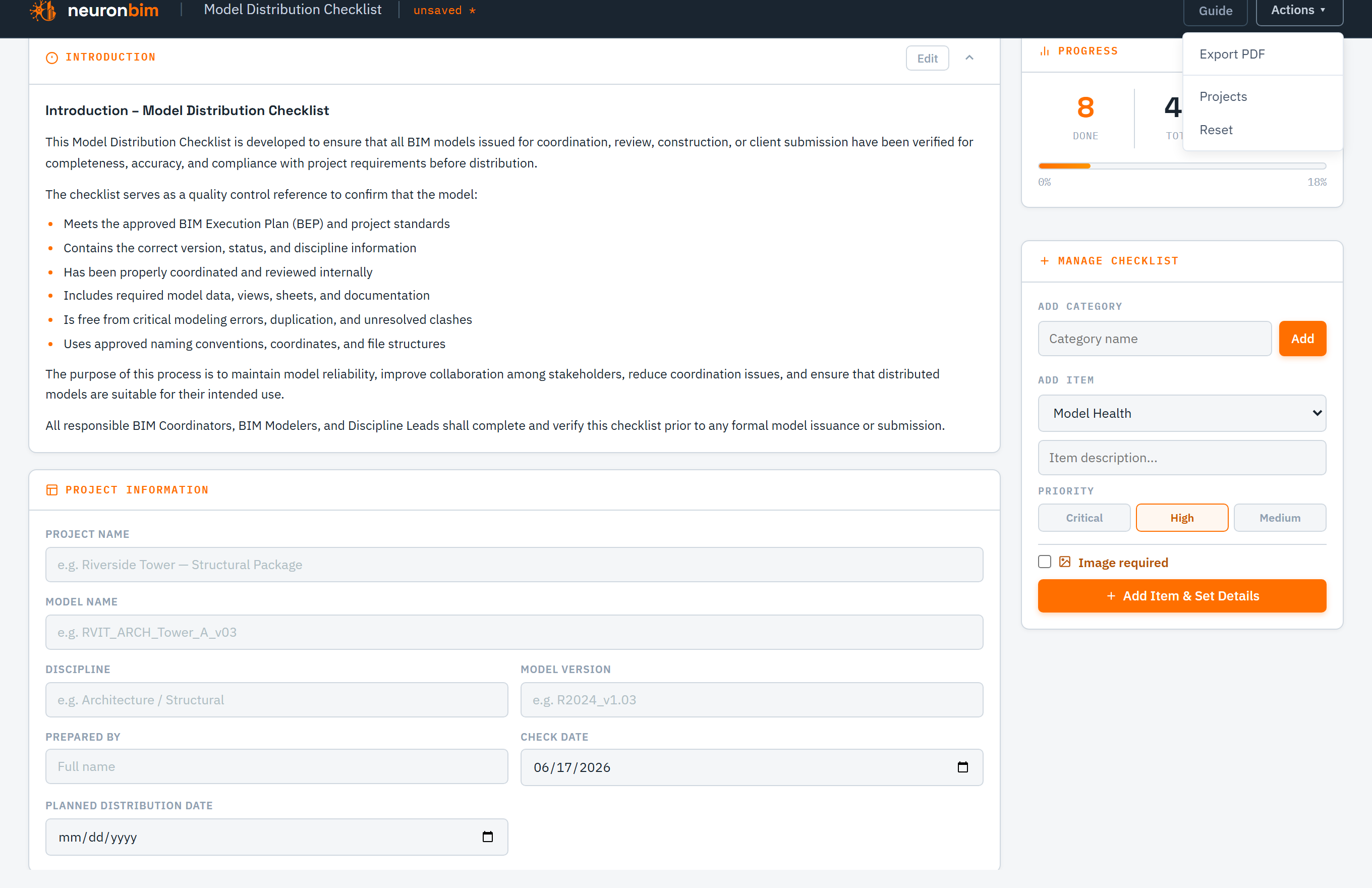
Export the completed checklist as a clean PDF to issue alongside the model — or, when signed in, save it to your account and reopen it for the next revision.
Model health, standards, information completeness, and documentation.
Mark each check as you verify it, so gaps stand out.
Attach supporting screenshots to any item.
Issue a clean report alongside the model.
Signed-in users keep checklists for the next revision.
Runs entirely in your browser — open it and go.
Issuing a model soon?
Run the checklist before it goes out — free, in your browser. Sign in to save and reuse it for the next revision.
Open the checklist →